Fill More Event Days with Less Effort
- · Visual proposals that show every room configuration
- · Multi-room events mapped across your entire facility
- · Live in 30 minutes. Upload floor plans, AI maps every space.
- · Track engagement and follow up when planners are ready
Free 14-day trial · No credit card required
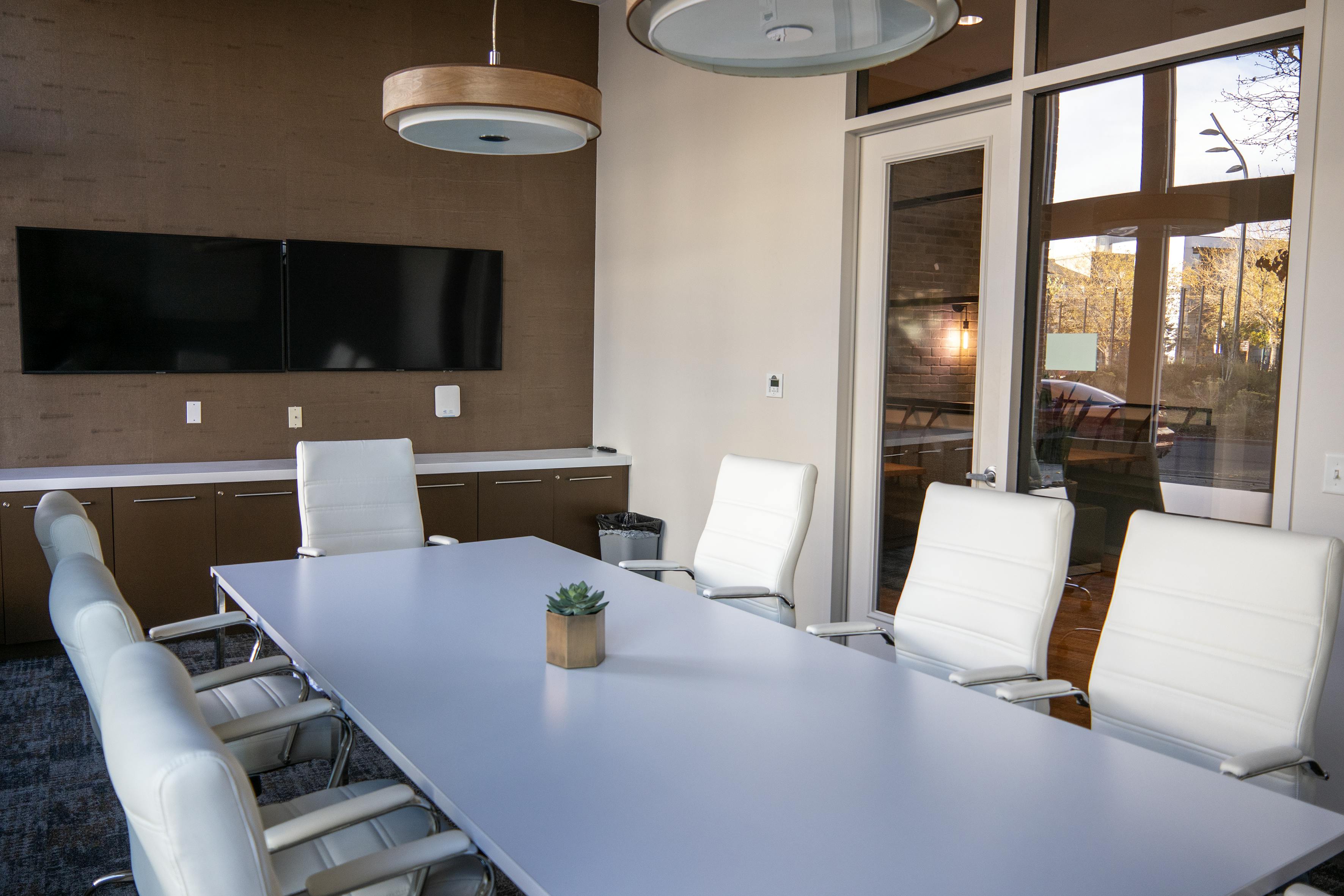
The Conference Sales Problem
Complex spaces, complex events, and a sales process stuck in email threads.
Planners can't visualize your space from a PDF.
Conference centers have dozens of rooms with multiple configurations each. A static capacity chart doesn't help planners understand what's actually possible.
- Interactive floor plans showing theater, classroom, banquet, boardroom setups
- Planners explore your space on any device without a site visit
- Reduce back-and-forth questions about room sizes and layouts
| Room | Theater | Class | Banquet |
|---|---|---|---|
| Summit Hall A | 380 | 190 | 230 |
| Summit Hall AB | 650 | 320 | 400 |
| Salon B | 120 | 60 | 80 |
| Salon C | 120 | 60 | 80 |
| Boardroom 1 | - | - | 24 |
Activities · 3
Day 1-3 · 180 guests
Ballroom, Foyer
Day 2-3 · 45 each
Salon A, B, C
Day 1 evening
Terrace, Lounge
Multi-track agendas need multi-room proposals.
A 3-day conference with breakouts, plenaries, and networking events spans 10+ rooms. Explaining that in a Word doc takes hours.
- Map entire events across multiple floors and rooms in one proposal
- Show day-by-day room assignments with capacity and setup type
- Planners see the full picture without scheduling a walkthrough
You never know why they went with another venue.
Proposals go out and disappear into inboxes. No visibility into whether they were opened, shared with stakeholders, or ignored entirely.
- See exactly when proposals are opened and by whom
- Track which rooms and pricing sections get the most attention
- Follow up with context instead of "just checking in" emails
Client Comment
"Can Salon B fit 60 classroom? We might add a 4th breakout track."
Rachel Morrison · 2m ago
From Inquiry to Booked Event
Upload your floor plans.
- Drop in any image: blueprint, photo, or exported PDF
- AI detects rooms, labels them, and calculates capacities
- Add multiple floors and buildings to one venue profile
Build the proposal.
- Select rooms, assign configurations, add pricing
- AI suggests room assignments based on event requirements
- Branded output with your logo, colors, and messaging
Share and track.
- One link the planner shares with their entire committee
- See every viewer, every page visit, every section they lingered on
- Know when to call and what to say
Common Questions
How long does setup take? +
Under 30 minutes for most conference centers. Upload your floor plan images and AI maps every room automatically. Add multiple floors and buildings as needed. Your team can start creating proposals the same day.
Can it handle complex multi-room events? +
That's exactly what it's built for. Map plenary sessions, breakout rooms, networking areas, and catering spaces in a single proposal. Show day-by-day room assignments with different configurations for each session.
How is this different from Tripleseat or Event Temple? +
Tripleseat and Event Temple manage events after you've won them. VenueProposals helps you win them. We generate visual, interactive proposals that planners can explore on any device. No text-heavy PDFs, no manual BEO creation. Transparent pricing, free trial, live in 30 minutes.
Can my whole team use it? +
Yes. Every plan includes unlimited team members. Your entire sales team can access floor plans, create proposals, and track analytics. No per-seat pricing.
Fill more event days, starting today
Join conference centers that close deals faster with visual proposals.
Free 14-day trial · No credit card · Cancel anytime