Upload a Photo, Get an Interactive Floor Plan
- ✓AI space detection in 90 seconds
- ✓Interactive canvas editor
- ✓Capacity charts auto-generated
- ✓Works with any image format
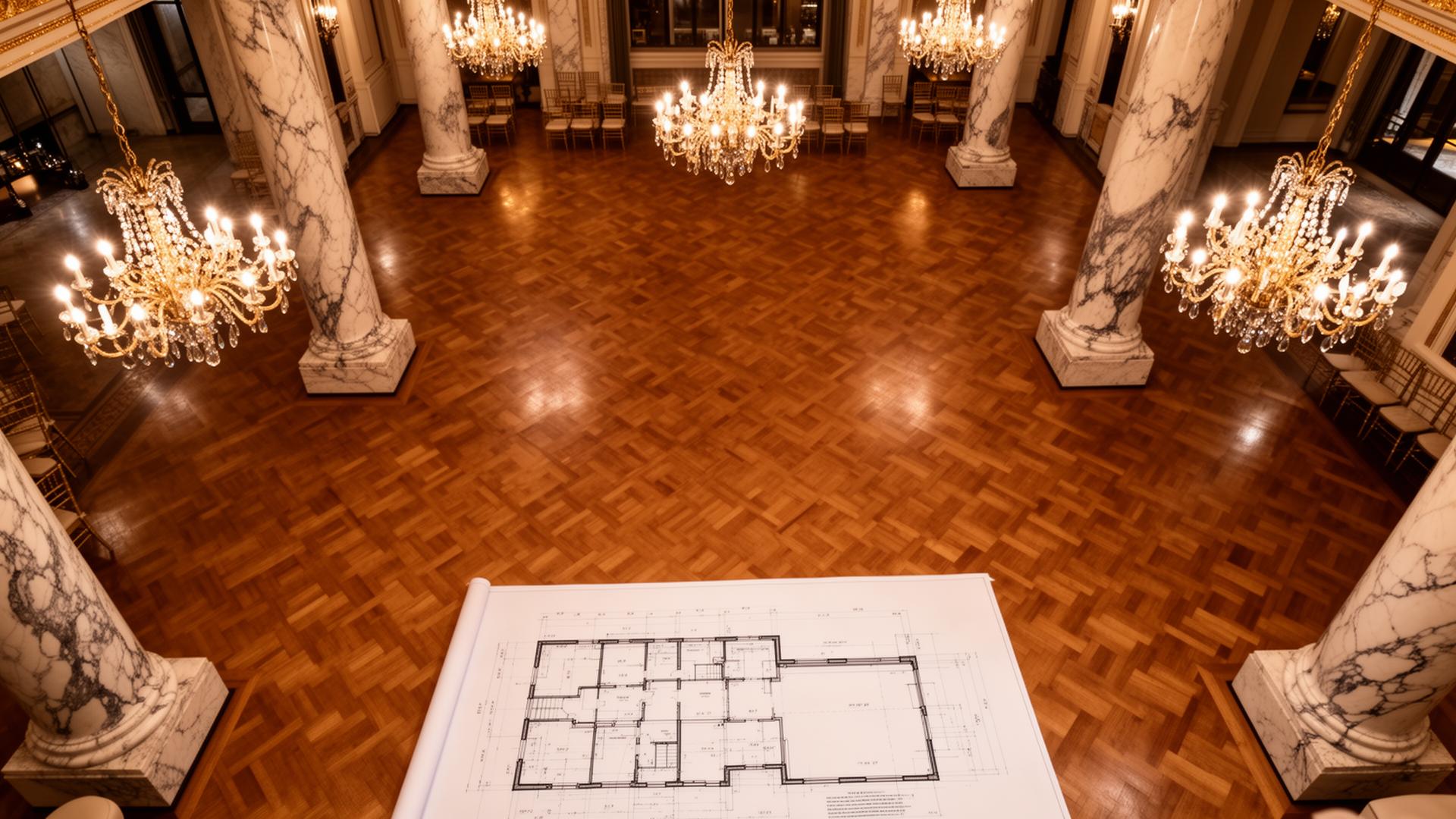
From Static Images to Living Floor Plans
AI Space Detection
Upload any floor plan image and our AI identifies rooms, hallways, and event spaces automatically. No manual tracing, no tedious outlining. Just results in seconds.
Interactive Canvas
Fine-tune every space with a precision canvas editor. Resize, reshape, label, and color-code rooms. Drag boundaries, merge spaces, and get pixel-perfect layouts.
Capacity Charts
Automatically generate capacity charts for every room and configuration. Theater, banquet, classroom, U-shape and more, all calculated from your floor plan dimensions.
| Room | Theater | Banquet | Classroom | U-Shape |
|---|---|---|---|---|
| Grand Ballroom | 450 | 280 | 200 | 85 |
| Foyer | 120 | 80 | 60 | 30 |
| Meeting A | 40 | 24 | 18 | 14 |
| Meeting B | 35 | 20 | 16 | 12 |
How It Works
Upload
Drop any floor plan image. JPG, PNG, PDF, or even a phone photo. AI handles the rest.
Edit
Refine detected spaces on the interactive canvas. Adjust boundaries, add labels, set capacities.
Embed
Add interactive floor plans to proposals, share via link, or export for print materials.
Frequently Asked Questions
What image formats are supported?
JPG, PNG, WebP, TIFF, and PDF. You can even upload a photo taken on your phone.
How accurate is the AI detection?
Our model detects 90%+ of spaces correctly on standard floor plans. The canvas editor lets you refine any result in seconds.
Can I edit spaces after detection?
Absolutely. The interactive canvas gives you full control to resize, reshape, merge, split, and relabel any detected space.
How are capacity numbers calculated?
Capacities are derived from space dimensions using industry-standard formulas for each layout configuration. You can override any value manually.
Ready to Digitize Your Venue?
Upload your first floor plan and see AI space detection in action. No credit card required.